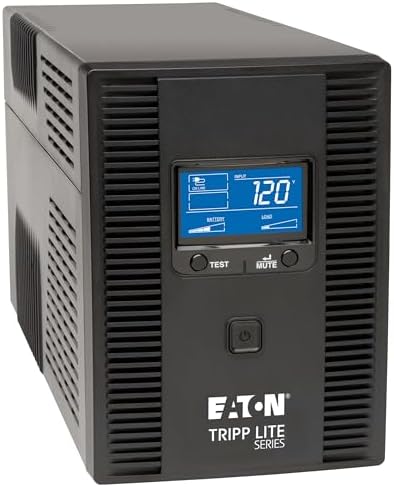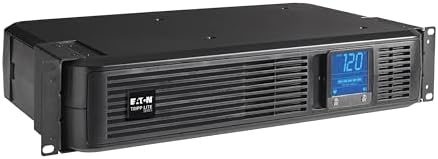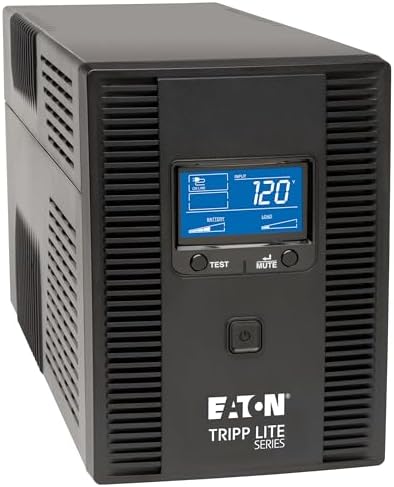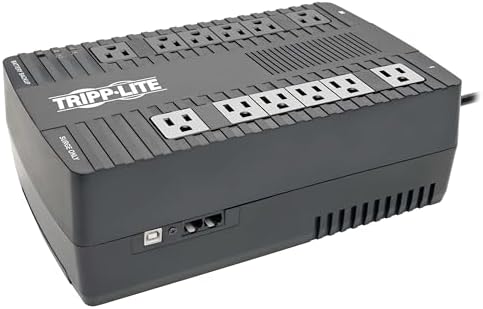
Standby, line interactive or online: what the three topologies do differently
Why one unit clicks over to battery during a brownout and another does not, what automatic voltage regulation is for, and where a pure sine wave output starts to matter.
Three designs sit in our battery backup line, and the difference between them is not runtime or outlet count. It is what happens to the incoming power on an ordinary Tuesday when nothing has failed.
Standby: quiet until it is not
A standby unit passes wall power straight through and watches the voltage. When it drops past a threshold, a relay throws and the inverter picks up the load. Our BC and ECO models work this way, and for a home office it is the right answer: the design is simple, it costs the least, and the transfer is fast enough that a computer power supply rides through it without noticing.
The limitation is that a standby unit has exactly two states. It cannot do anything about power that is low but not low enough. A long brownout is either ignored or it becomes a battery discharge, and neither of those is what you want.
Line interactive: the middle option, and the one most people need
Line interactive units add a transformer with taps. When the incoming voltage sags, the unit steps it back up and keeps feeding the load from the wall. When it climbs, it steps it down. This is what automatic voltage regulation means on our labels, and our AVR and SMART models carry it.
The reason this matters is battery life. In a building where the voltage wanders, a standby unit spends its afternoon cycling onto battery and back. Every one of those cycles is a small piece of the battery spent, and the battery is the part that ages. A line interactive unit handles the same afternoon on wall power and leaves the cells alone for the outage they are there for.
If you work at the end of a long run, in an older building, or anywhere the lights dim when something large starts up, this is the tier to buy.
Online: rebuilt power, all the time
Our SmartOnline units run double conversion. Incoming AC becomes DC, the DC charges the battery and feeds an inverter, and the inverter builds the output waveform from scratch. The load is never connected to the wall at all, so there is no transfer to make and nothing on the input side reaches the equipment.
That is the strongest design we build and the numbers show what it costs. Our 1500VA online unit is rated for 1350 watts against 900 for the line interactive unit at the same volt-amps, but it runs a fan, it costs several times more, and it belongs in a rack rather than under a desk. Buy it for equipment that genuinely cannot see a transfer, and for nothing else.
The waveform question
On battery, a standby or line interactive unit outputs a stepped approximation of a sine wave rather than the real thing. Most switching power supplies do not care. Some do. Equipment with active power factor correction, which includes a good many modern desktop supplies, can refuse a stepped waveform and shut down at the exact moment the backup engages.
That is why we build pure sine wave models such as the SMART1500PSGLCD, and why the gaming and workstation end of the line is where you find them. If your machine has ever dropped out when the unit switched over, the waveform is the first thing to look at, not the battery.
Choosing in one line each
- Steady power, a desk, a modest budget: a standby unit does the job.
- Voltage that wanders, or a battery you would rather not replace early: line interactive with AVR.
- A rack, or equipment that cannot tolerate a transfer at all: double conversion online.
- A supply that has refused to ride a transfer before: pure sine wave output, whichever tier it sits in.
The whole battery backup range is here, and the load check will narrow it to what carries your gear.